Multi-User BOLA Testing
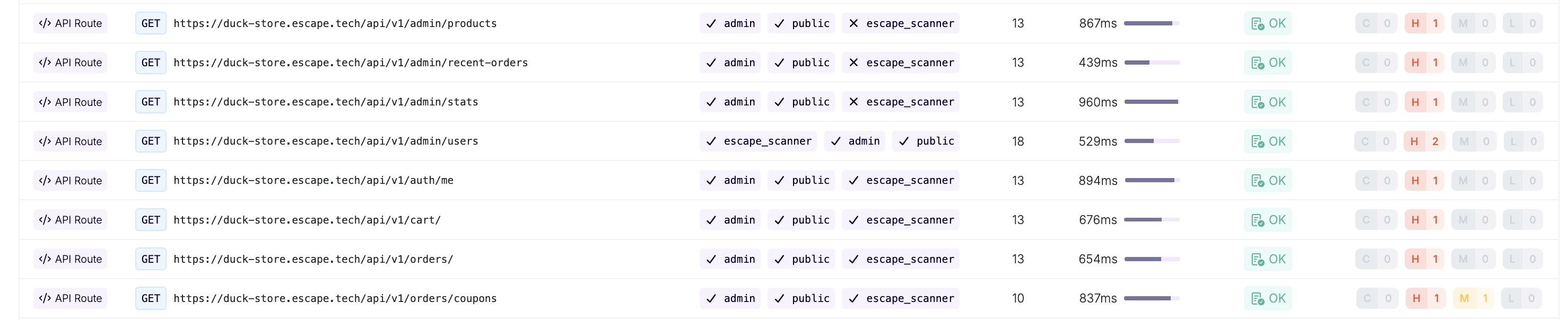
Business Logic Aware DAST multi-user testing performs technical authorization tests by replaying authenticated requests across different user contexts and enumerating object IDs to detect Broken Object-Level Authorization (BOLA) and multi-user access control violations (including tenant isolation and privilege escalation).
How It Works
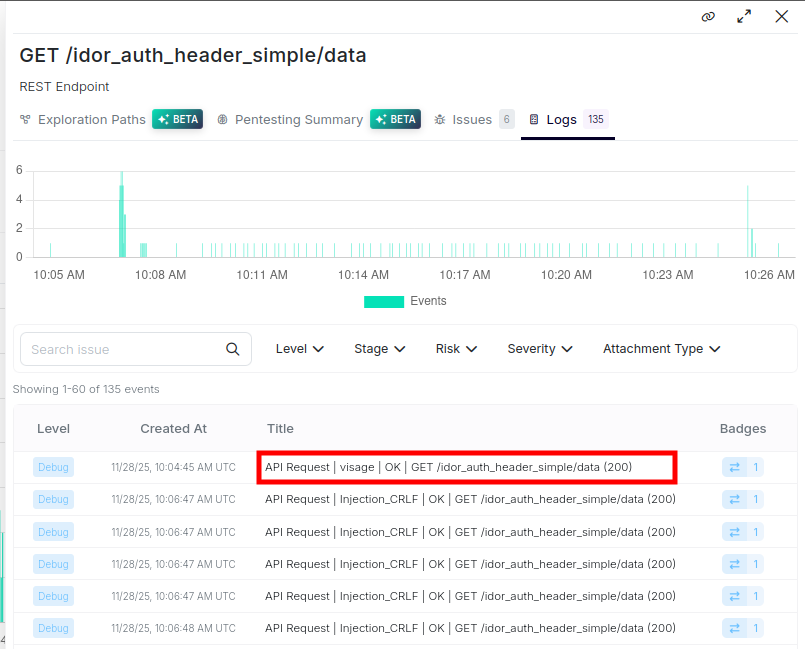
Business Logic Aware DAST performs two types of technical tests:
- ID Enumeration: Tests for unauthorized access by enumerating object IDs (for example, user IDs, resource IDs) discovered during scanning
- Request Replay: Replays requests discovered with the main user's credentials using other configured users' credentials to detect authorization failures
Use Cases
Tenant Isolation (Symmetric Permissions)
Tests data segregation between accounts or organizations with equivalent permission levels. This scenario tests horizontal authorization boundaries where users possess identical roles but should remain strictly isolated from each other's data.
Example: Multi-tenant SaaS applications where users from different tenants shouldn't access each other's data, even when they have equivalent roles (for example, Admin in Tenant A vs Admin in Tenant B).
Privilege Escalation (Asymmetric Permissions)
Tests authorization controls between users with different privilege levels within the same tenant or organizational context. This scenario tests vertical authorization boundaries where users with lower privileges shouldn't access resources or perform actions reserved for higher-privileged users.
Example: Applications with role-based access control where users with different privilege levels within the same tenant should have different access (for example, Member vs Admin within the same organization).
Requirements
Configure multi-user testing for API endpoints and GraphQL operations with these prerequisites:
- Non-empty response for read operations: GET requests and GraphQL queries must return data
- Successful exchange: The request must have resulted in a successful HTTP exchange
- At least one argument: The request must have at least one argument (query parameter, path parameter, or body argument)
- Multiple users configured: More than one user must be configured in the scan
- Authentication success: Authentication must succeed for the other users
Configuration
Main User Concept
Multi-user security testing follows a unidirectional testing model centered on the Main User concept:
- Exploration Authority: Escape uses the Main User's authentication context for application crawling and endpoint discovery. Choose a Main User with access to the features, pages, and API endpoints you want to assess.
- Victim Perspective: The Main User is treated as the victim in access control testing scenarios. Other configured users attempt to access data and resources belonging to the Main User.
Testing Direction: Access control testing is performed exclusively in one direction: from Other Users toward the Main User.
User Roles
Each authentication user can declare a free-text role (for example admin, standard member, read-only billing). In the product UI, this is the Role field on each user under Settings → Authentication.
Access-control checks read that field:
- Different roles (for example admin vs member) describe a privilege-level pair. Use this for privilege-escalation tests.
- The same role, or no role: agentic IDOR plans treat the users as peers. Use this for tenant isolation tests.
When a finding is raised, the issue context includes the configured role next to each username.
The role key is optional on every authentication preset (headers, browser_agent, OAuth, and the others). See Authentication Configuration.
Configuration Approaches
Approach 1: Natural Language Rules

Define authorization policies in plain language. An LLM analyzes the description and generates detection logic.
Tenant Isolation Example (configured under multi_user_access_control):
authentication:
  presets:
    - type: headers
      users:
        - username: user@tenant-a.com
          role: admin
          headers:
            Authorization: "Bearer eyJhbGciOiJIUzI1NiIsInR5cCI6IkpXVCJ9..."
          main_user: true
        - username: user@tenant-b.com
          role: admin
          headers:
            Authorization: "Bearer eyJhbGciOiJIUzI1NiIsInR5cCI6IkpXVCJ9..."

security_tests:
  multi_user_access_control:
    main_user: user@tenant-a.com
    natural_language_rule: |
      Ensure that a user's notes cannot be accessed by other users.
Privilege Escalation Example:
authentication:
  presets:
    - type: headers
      users:
        - username: admin@company.com
          role: admin
          headers:
            Authorization: "Bearer eyJhbGciOiJIUzI1NiIsInR5cCI6IkpXVCJ9..."
          main_user: true
        - username: member@company.com
          role: member
          headers:
            Authorization: "Bearer eyJhbGciOiJIUzI1NiIsInR5cCI6IkpXVCJ9..."

security_tests:
  multi_user_access_control:
    main_user: admin@company.com
    natural_language_rule: |
      Ensure that standard members cannot access administrative endpoints or perform privileged operations:
      - Members cannot access user management endpoints
      - Members cannot modify system configuration
      - Members cannot view audit logs
Approach 2: Default Fingerprint-Based Detection
Default configuration uses response fingerprinting to automatically detect authorization failures without manual configuration.
authentication:
  presets:
    - type: headers
      users:
        - username: user1@example.com
          headers:
            Authorization: "Bearer token1"
          main_user: true
        - username: user2@example.com
          headers:
            Authorization: "Bearer token2"

security_tests:
  multi_user_access_control:
    main_user: user1@example.com
    other_users:
      detect:
        - if: request.is_authenticated
          is: true
        - if: helpers.fingerprints.same
          is: true
Approach 3: Custom Detection Rules
For precision targeting, define custom detection rules using detectors.
security_tests:
  multi_user_access_control:
    main_user: user1
    other_users:
      detect:
        - if: helpers.json_matches.all
          jq: '.notes[].content'
          is: true
        - if: helpers.regex_matches.all
          regex: '.*User 1 Private Note.*'
          is: true
User, Path and Response-Key Selectors
Under security_tests.multi_user_access_control, use paths to select paths for this check ('*' covers all paths), and keys_matching to select response-body keys to compare across users. specific_users defines detection rules for named users; each entry contains a detect list whose conditions are combined with AND logic.
security_tests:
  multi_user_access_control:
    paths:
      - /users/{id}
    keys_matching:
      - card_number
    specific_users:
      user2@example.com:
        detect:
          - if: request.is_authenticated
            is: true
          - if: helpers.fingerprints.same
            is: true
Examples
API Testing - Tenant Isolation

authentication:
  presets:
    - type: headers
      users:
        - username: user@tenant-a.com
          role: admin
          headers:
            Authorization: "Bearer eyJhbGciOiJIUzI1NiIsInR5cCI6IkpXVCJ9..."
          main_user: true
        - username: user@tenant-b.com
          role: admin
          headers:
            Authorization: "Bearer eyJhbGciOiJIUzI1NiIsInR5cCI6IkpXVCJ9..."

security_tests:
  multi_user_access_control:
    skip: false
    main_user: user@tenant-a.com
API Testing - Privilege Escalation
authentication:
  presets:
    - type: headers
      users:
        - username: admin@company.com
          role: admin
          headers:
            Authorization: "Bearer eyJhbGciOiJIUzI1NiIsInR5cCI6IkpXVCJ9..."
          main_user: true
        - username: member@company.com
          role: member
          headers:
            Authorization: "Bearer eyJhbGciOiJIUzI1NiIsInR5cCI6IkpXVCJ9..."

security_tests:
  multi_user_access_control:
    skip: false
    main_user: admin@company.com
    natural_language_rule: |
      Ensure that standard members cannot access administrative features
      including user management, billing configuration, and system settings.
WebApp Testing - Privilege Escalation
authentication:
  presets:
    - type: browser_agent
      users:
        - username: admin@company.com
          password: SecurePassword123!
          role: admin
          main_user: true
        - username: standard_user@company.com
          password: StandardPassword456!
          role: standard user
      login_url: https://app.company.com/login

frontend_dast:
  static_crawling:
    enabled: true
    time_limit_seconds: 300
  agentic_crawling:
    spa_crawling: true

security_tests:
  multi_user_access_control:
    skip: false
    main_user: admin@company.com
    natural_language_rule: |
      Ensure that standard users cannot access administrative features
      including user management, billing configuration, and system settings.
Note: For API Testing, remove the frontend_dast configuration block and use appropriate API authentication presets (basic for HTTP Basic auth, headers for Bearer tokens or cookies, http, curl, digest, or an OAuth flow such as oauth_ropc / oauth_client_credentials).
Detection Capabilities
The scanner supports three approaches for defining authorization rules:
- Natural Language Rules: Authorization policies defined in plain language and automatically translated into detection logic
- Automatic BOLA Scanning: Fingerprint-based detection of unauthorized data access without manual configuration (default approach)
- Custom Detection Rules: Precise targeting with technical detection rules for specific authorization boundaries
Related Documentation
- Authentication Configuration: Credential acquisition and authentication flow setup
- Custom Rules - Detectors: Detection rule syntax and extensibility
- AI Pentesting: For complex business scenarios, advanced patterns, and agentic access control testing