#54 · New notificaton rules for scans
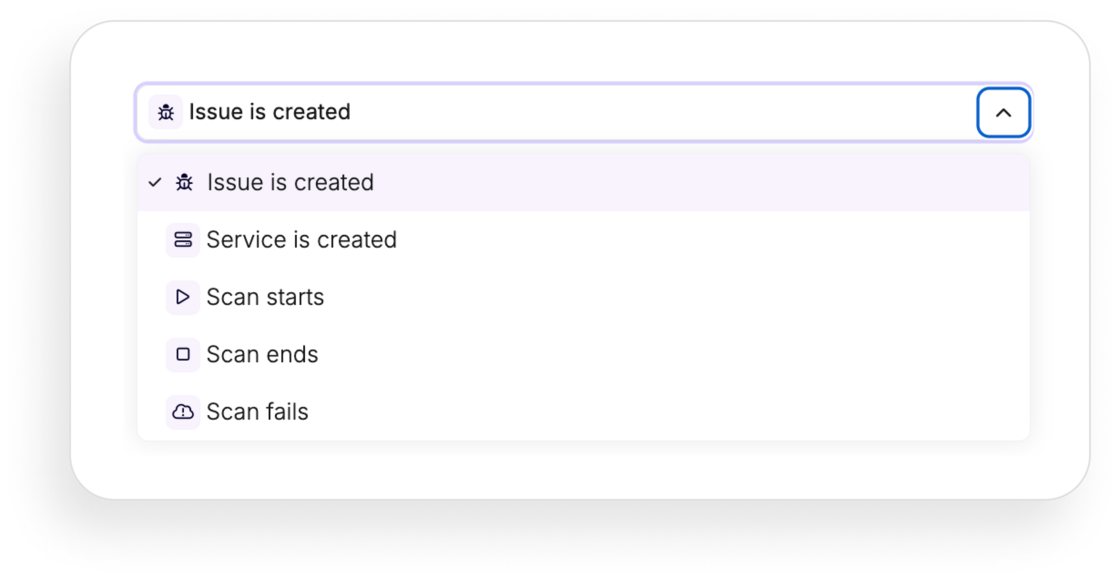
We're excited to introduce three new event triggers that enhance your notification rules, giving you greater control and visibility over your scan processes. You can now get notified when a scan starts, ends, or fails—right when it matters most.
You can now receive notifications for the following events:
- Scan Starts: Trigger a workflow as soon as a scan begins.
- Scan Ends: Get alerted when a scan completes.
- Scan Fails: Be notified immediately if a scan fails.
These triggers allow you to filter notifications based on specific scan labels or relevant applications, ensuring you only receive the alerts that matter to you.
Why
Stay on top of your scanning activities and respond quickly to important events. Whether it's a successful completion or a failure that needs immediate attention, these notifications ensure you're always in the loop.
Getting started
- In the left-hand sidebar, click Notifications.
- Click Create a new rule
-
Choose when your workflow should be triggered:
-
When a new vulnerability has appeared in your application(s)
- When a new APi service is created
- When a scan starts
- When a scan ends
-
When a scan fails
-
Specify the conditions for your workflow. You can filter by scan label or application to refine your notifications.
-
Select among actions that you want your rule to perform:
-
Send an email to specific people
- Send an email to a group of people
- Send an email to all related owners
- Send a Slack message
- Send a Discord message
- Send a Teams message
-
Send a Webhook
-
Schedule how often the action should run
- Name your rule and click on Create rule to save your workflow
And that's it! You can create as many notifications as your organization needs.