#120 · Invite Team Members with a Dedicated Link
Admins can now invite teammates to their organization using a dedicated invite link, making onboarding faster and more flexible.
How it works:
- Go to Team Settings available at https://app.escape.tech/organization/team/
- Enter the email of your new team member and click “Invite”
- Once added, click the member's name in the team list
- Click “Copy Invite Link” from their profile
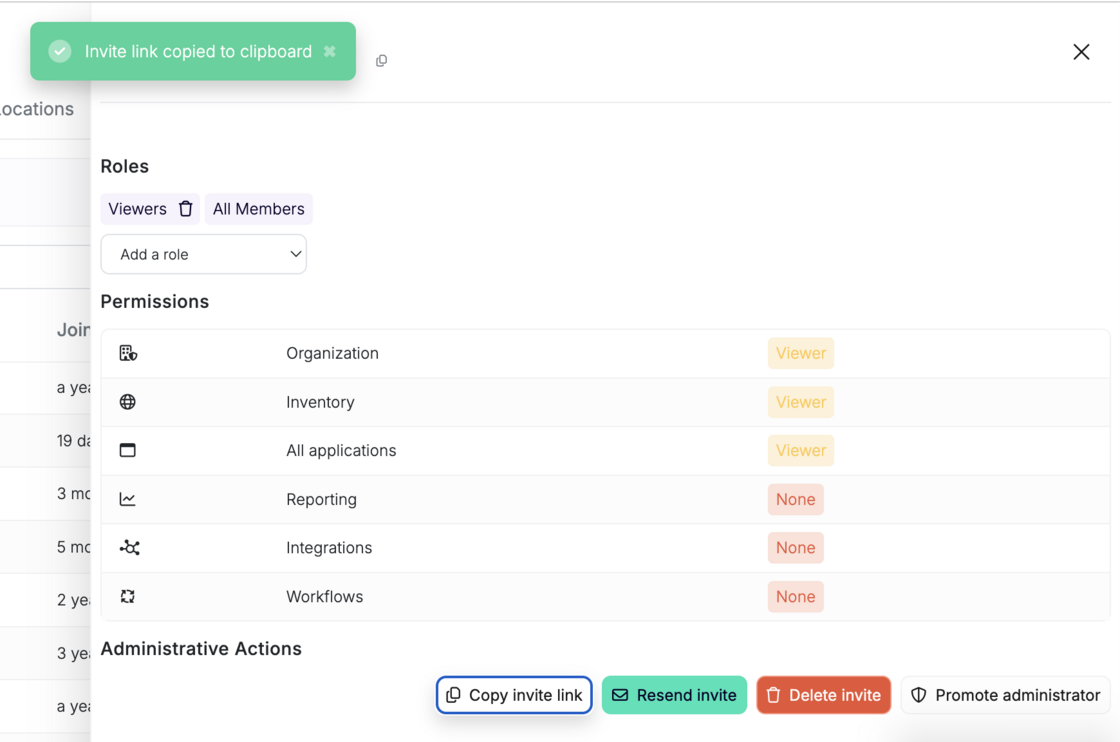
Share the link directly—your teammate can join the organization with one click.
This makes it easier to onboard team members, especially in async or distributed environments.