#147 · Improved Scan Logs Page: Stop Debugging Scans Blind and Improve Your Scan Performance
Escape’s improved Logs page gives you a complete, chronological view of everything that happens during a scan — and, crucially, why it happens.
By making every scanner decision, skip, and failure fully visible, Logs help you quickly diagnose issues, fine-tune configurations, and continuously improve scan coverage and reliability.
The result: less guesswork, faster debugging, and better scans over time.
What you’ll see in the Logs page
The Logs page shows every event associated with a scan, including:
- Configuration steps (schema download, auth detection, proxy usage)
- Execution steps (requests, responses, mutations)
- Issues found
- Agentic LLM reasoning and decisions (when enabled)
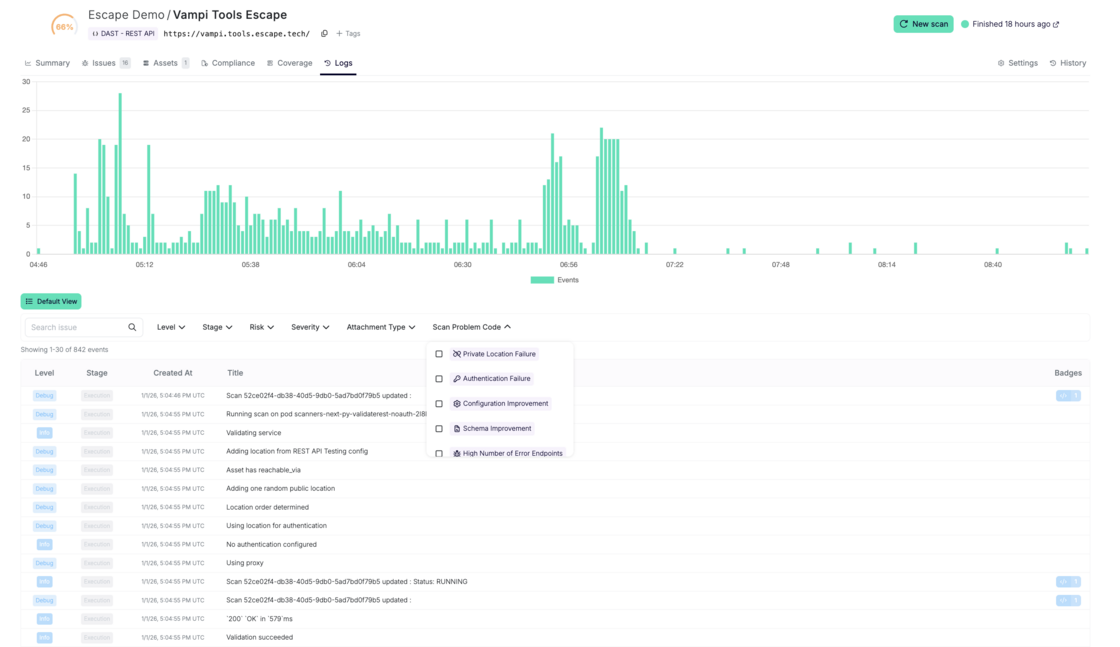
It helps to answer the following questions like
- "Why didn't the scanner find anything?" → It was blocked by your WAF, but you didn't know
- "Why is coverage so low?" → Authentication failed during the scan
You can search and filter logs by:
- Log level (debug, info, warning, error)
- Scan stage (configuration, execution, agent actions)
- Risk type (unauth access, sensitive data, external exposure…)
- Escape severity
- Scan problem codes (auth failure, WAF block, unreachable asset, timeout…)
to help you troubleshoot scan problems instantly:
- Filter by "Scan Problems" → see "Authentication Failure" logged at 8:04:26 AM → fix auth config → rescan
- Filter by "Blocked by WAF" → see exactly which requests triggered blocking → whitelist scanner IP
- Filter by "Rate Limit Exceeded" → adjust scan before next run
Each log entry is evidence-backed:
- Full request and response
- Attachments (exchange, snippet, attack validation path graph - to highlight when the execution path from the Escape business logic security testing engine was generated:
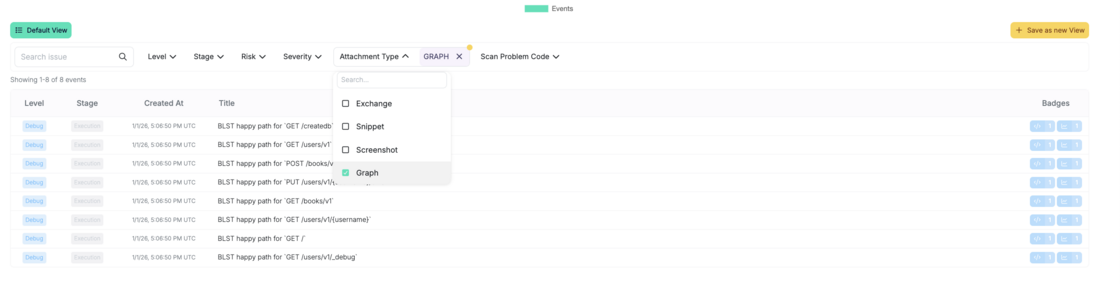
or screenshots captured via Agentic crawling:
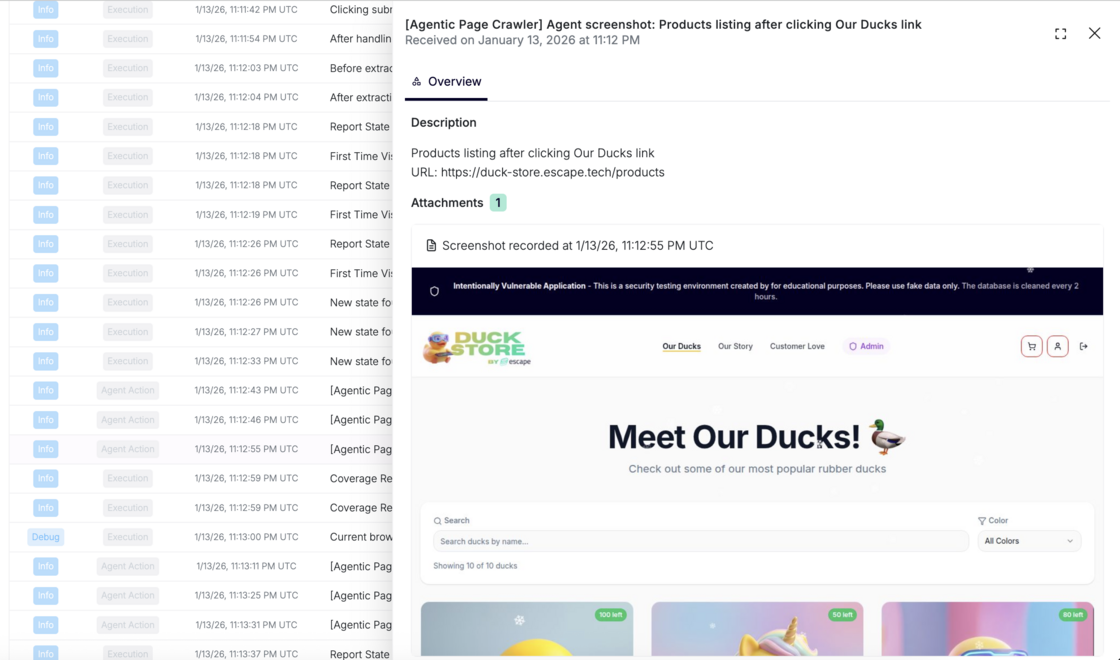
- Clear explanation of why an issue was raised
You can even save filtered views to reuse during reviews or audits.
Feel free to explore!
Want to improve your current coverage? Check out our documentation.