#154 · Updated Escape Copilot — Smarter, Faster, More Actionable
Escape Copilot just got a significant upgrade. It now understands your current context, pulls from Escape's documentation, and guides you directly to the right place in the platform.
What's new
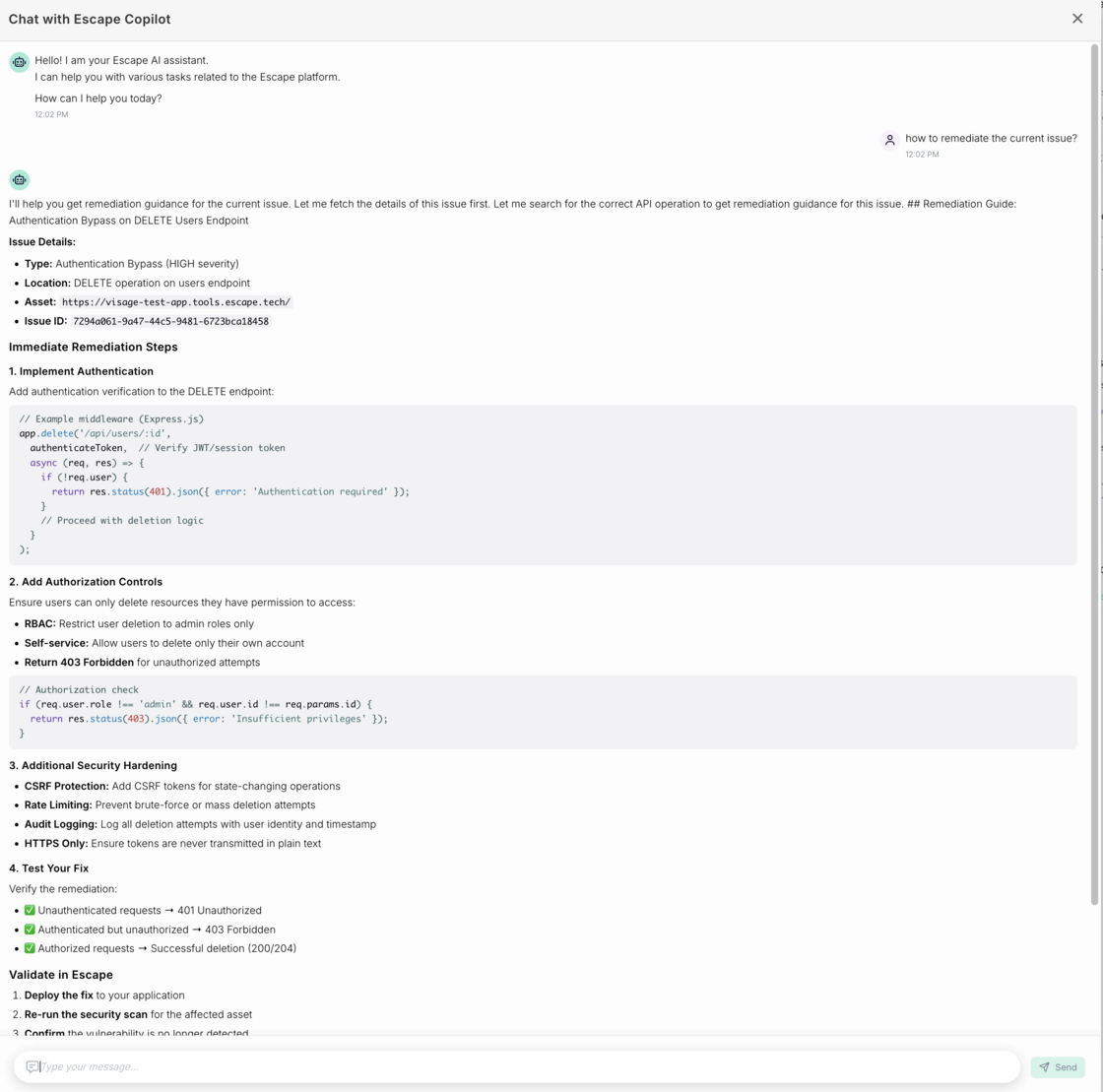
- Page-aware context. Copilot reads your current page. Ask about a vulnerability, a scan, or how to remediate a specific issue you’re reviewing— it already knows which one you mean:
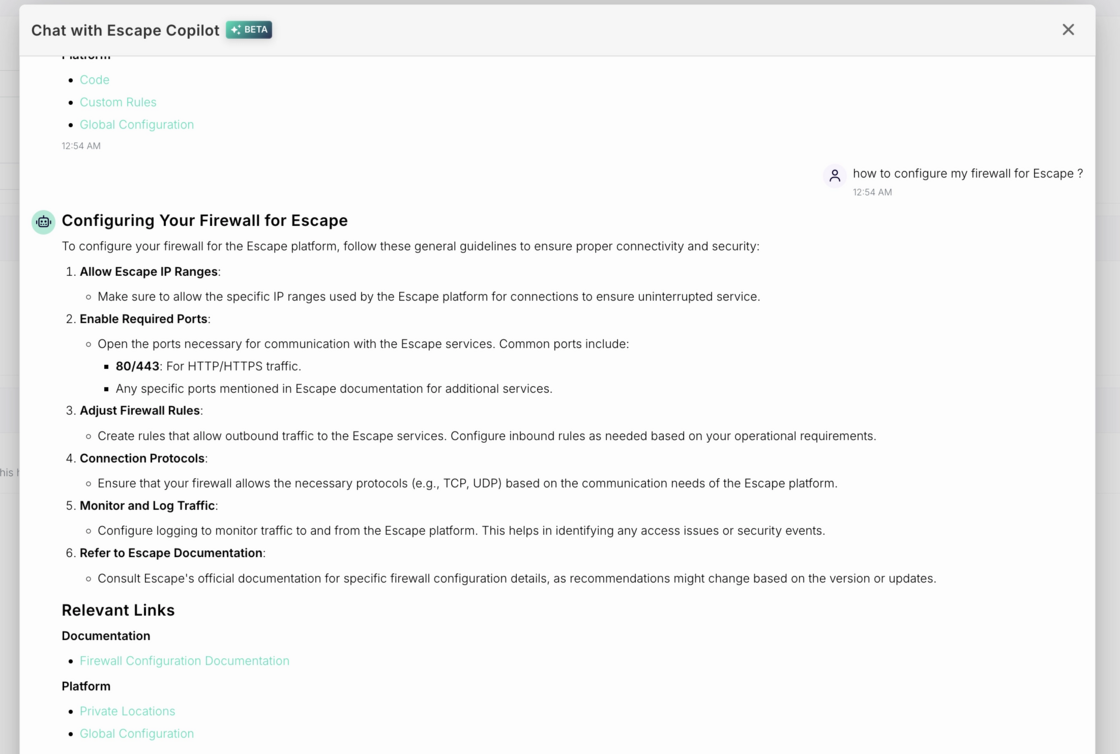
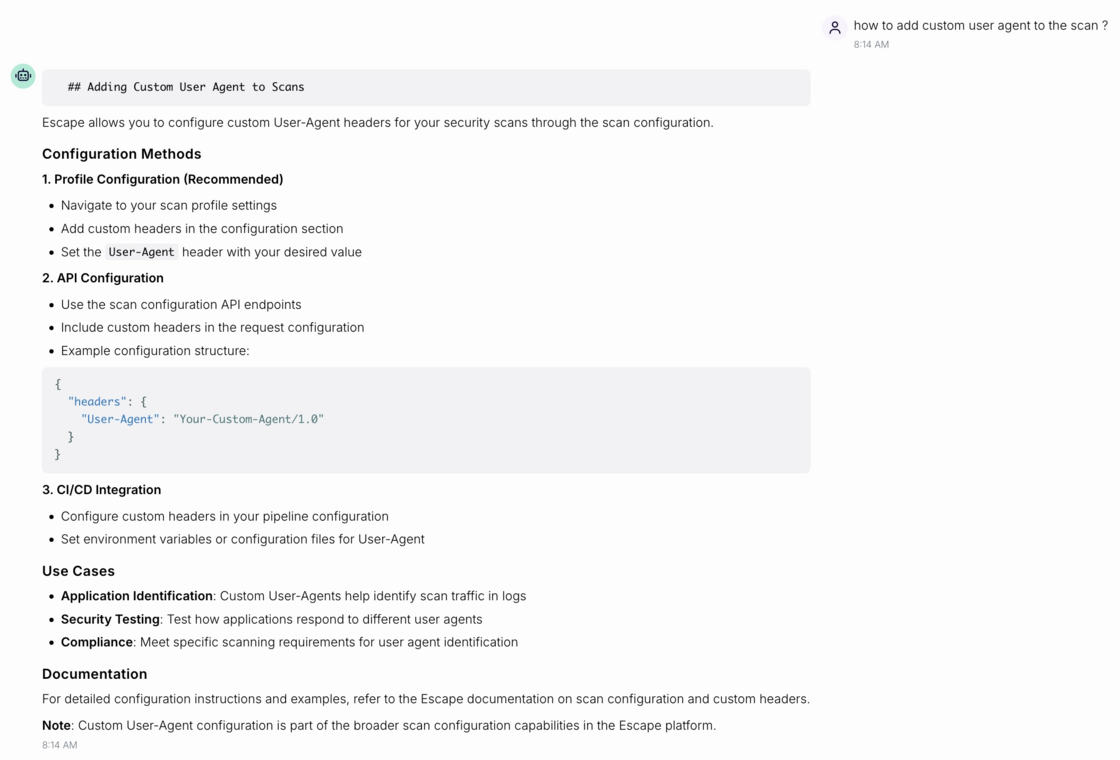
Grounded in Escape's documentation. Ask anything about the platform and Copilot pulls the answer directly from the official docs. You’ll be always working from accurate, up-to-date guidance:
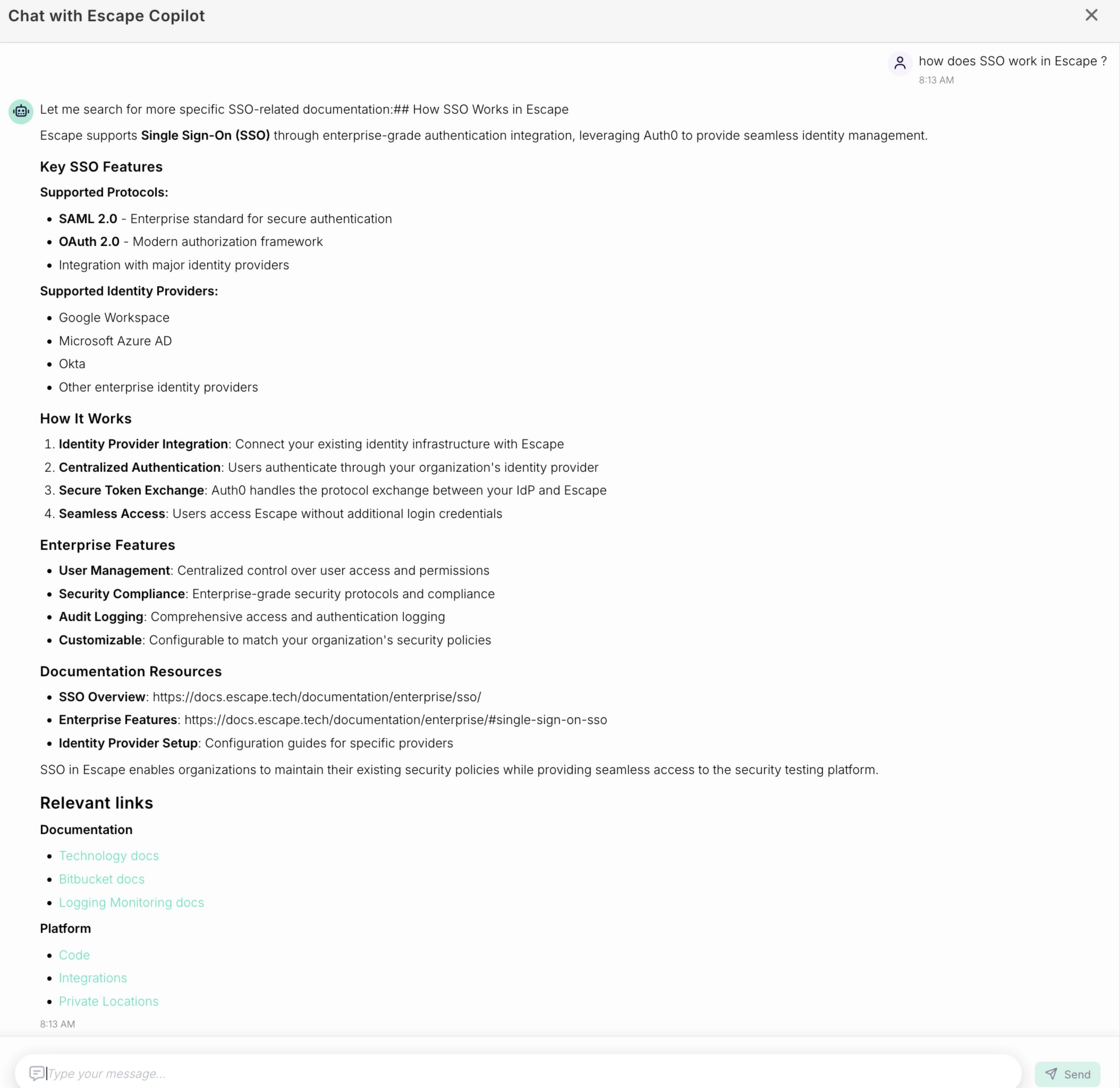
- Direct links inside the platform. Copilot points you to the exact setting, result, or configuration you need:
**- Always up to date. **Copilot automatically picks up new Public API features as they ship.
How to use it:
Open Copilot from any page. Just press Cmd + Shift + E (or Ctrl + Shift + E on Windows) to activate Copilot in-app.
Ask in plain language — "what are my most vulnerable profiles?", "how do I remediate this issue?", "how do I configure my firewall?" — and get answers tied to where you are right now.
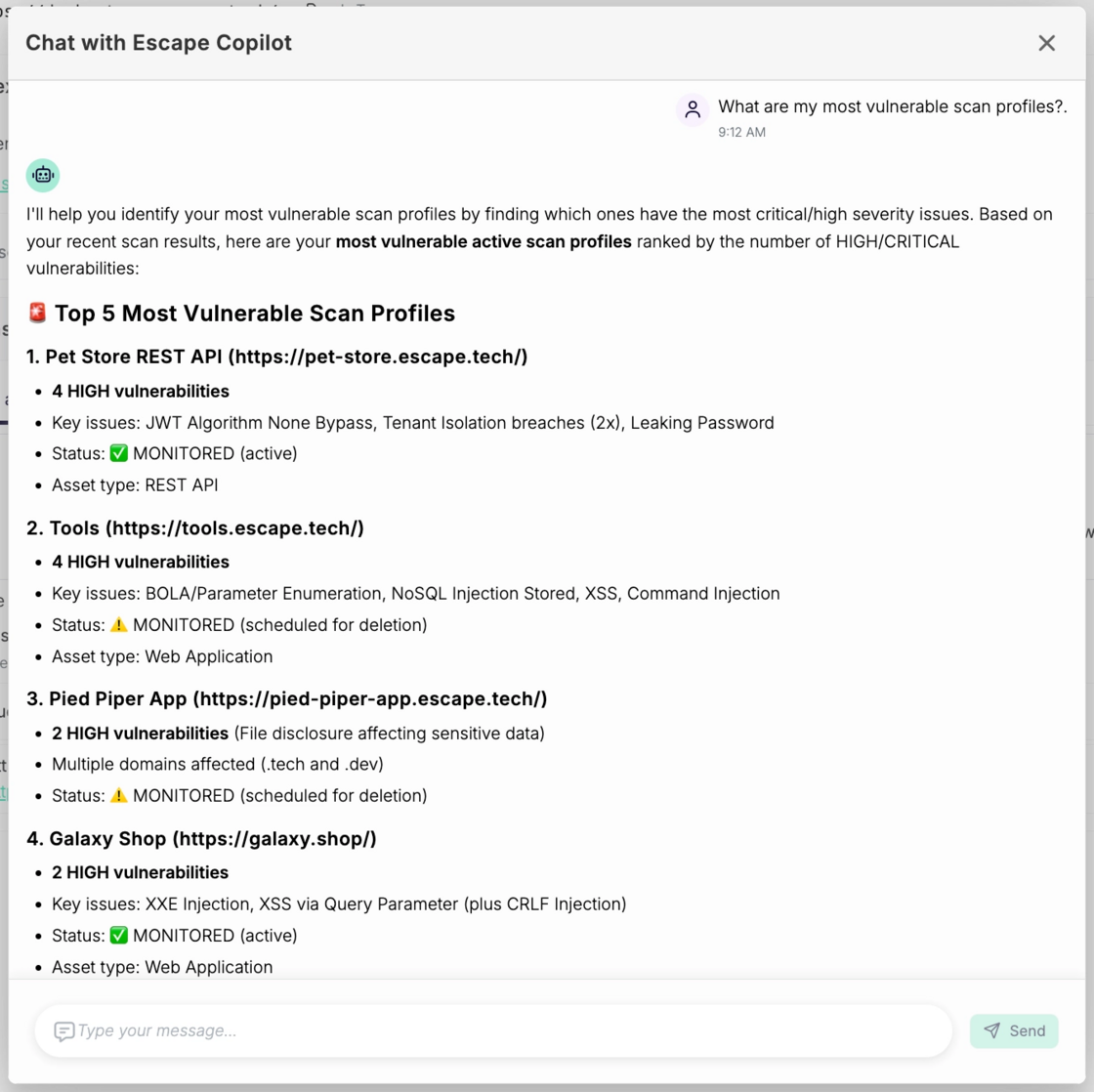
We’ve implemented a new thinking model that can perform more complex actions to ensure utmost accuracy. You might experience slower reasoning times but better output.
Try it our now!