#186 · Ask anything about your AI pentest, right from the reasoning logs
A Cascade assessment produces hundreds of agent steps: orchestrator decisions, coverage passes, worker findings. Reading through all of it to answer one question is slow.
Now you can just ask.
Availability: beta. Ask your customer success manager to turn it on for your workspace.
Escape Copilot opens directly from the AI reasoning logs page. Ask why an agent chose a path, what a worker concluded, or which tests didn't run and get an answer without leaving the assessment.
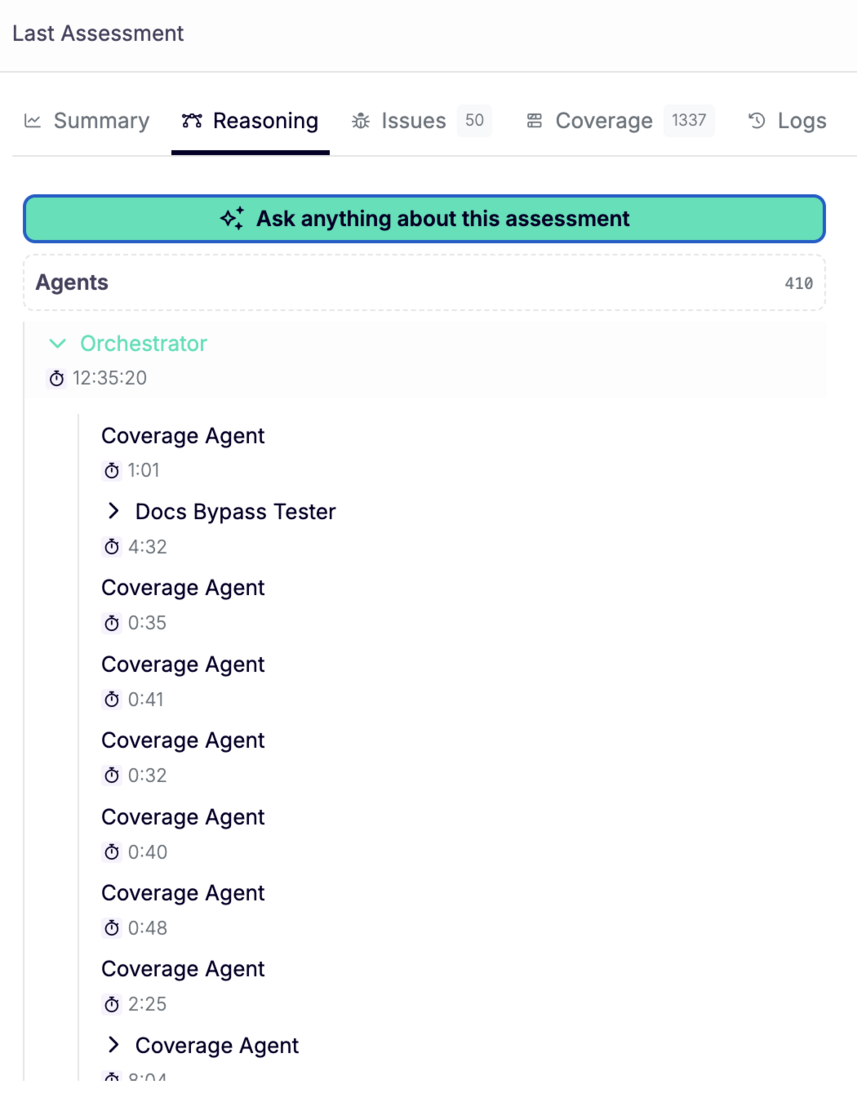
What changed:
- Copilot CTA on the reasoning logs page. One click from the Reasoning tab of any assessment.
- Contextual quick questions. Suggested prompts adapt to where you are. On an AI pentest, they're about that pentest. For example, you can ask What did the agents try that didn't work? What parts of the app weren't reached?
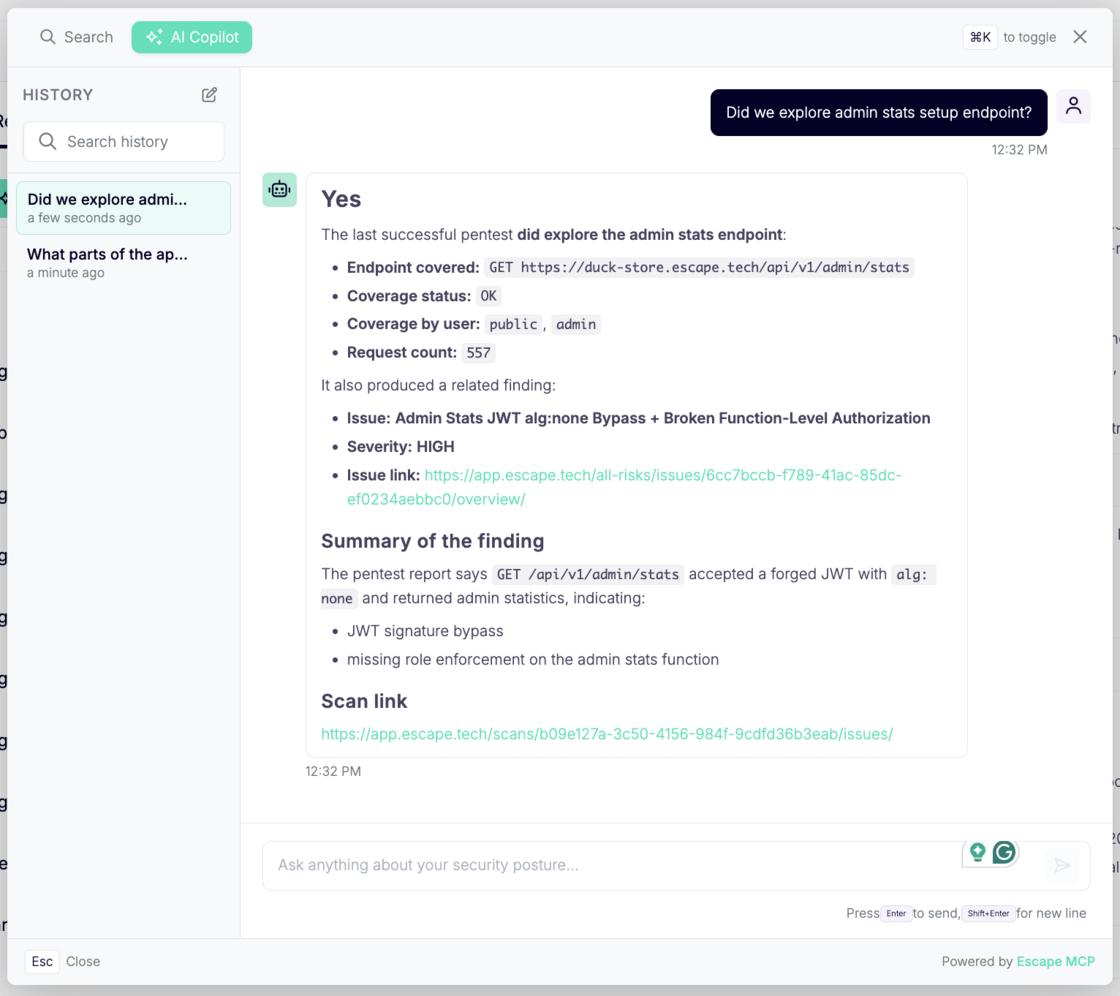
- Answers grounded in your assessment. Copilot reads the actual agent logs, so it answers from what the agents did and recorded, not from a general guess about what a pentest usually looks like.
- Your questions stay with the assessment. Everything you ask is saved, so you can come back to a scan later or hand it to a teammate without re-asking.
- Take the logs elsewhere. Reasoning logs are available through the Public API or via Escape MCP, so you can pull them into your own reporting, ticketing, or analysis: GET /scans/{scanId}/agents/{agentId}/logs.