Scan Troubleshooting
Overview
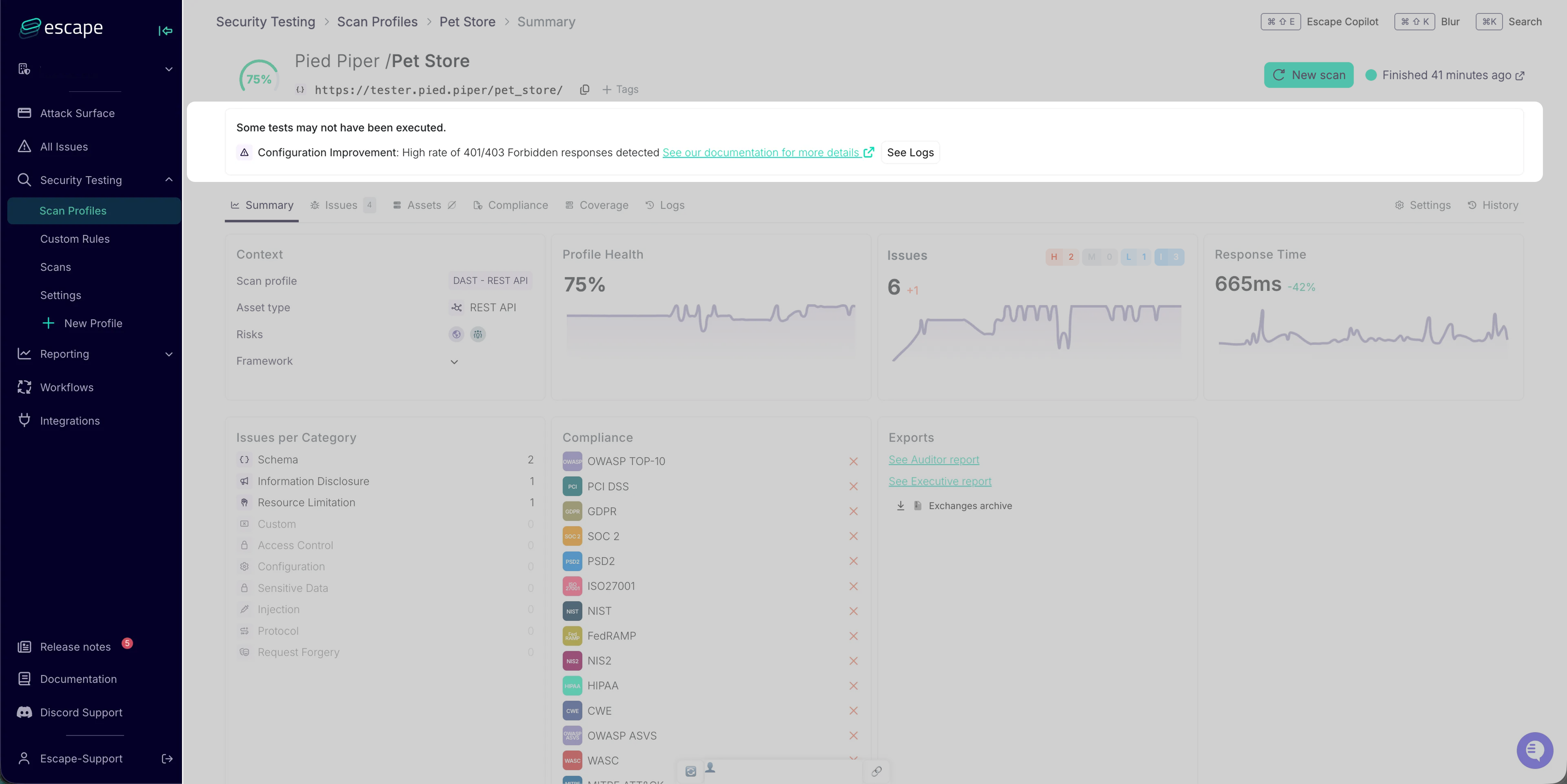
Escape shows scan execution problems with problem codes, contextual messages, and links to related event logs. Use these diagnostics to identify configuration, authentication, and connectivity issues and choose the next troubleshooting step.
Key Capabilities
Scan Failure Visibility
Escape surfaces failed scan profiles so you can prioritize troubleshooting.
Diagnostic Information
Detailed failure information is provided for each scan issue, including:
- Specific problem codes identifying the failure type
- Contextual error messages describing the root cause
- Direct links to relevant event logs for in-depth investigation
- Actionable remediation guidance where applicable
Multiple Access Methods
Scan diagnostics are accessible through:
- Escape Platform UI: A collapsible problems card on DAST profile and scan pages, and AI Pentesting assessment pages, with links to related logs
- Public API: Programmatic access via
GET /v3/profiles/problems(grouped by profile) andGET /v3/scans/problems(grouped by scan) for integration with monitoring and alerting systems
Documentation
- Accessing Scan Diagnostics: Platform UI and API access methods
- Troubleshooting Best Practices: Systematic diagnosis and common resolution paths
- Include Extra Data: Include extra data in the scan
- Automated Notifications: Scan-failure workflow notifications