Managing Workflows
Creating Workflows
- Go to Workflows → Create
- Name your workflow
- Select a trigger event
- Configure filters (if applicable)
- Add one or more actions
- Set throttling (optional)
- Save the workflow
Managing Workflows
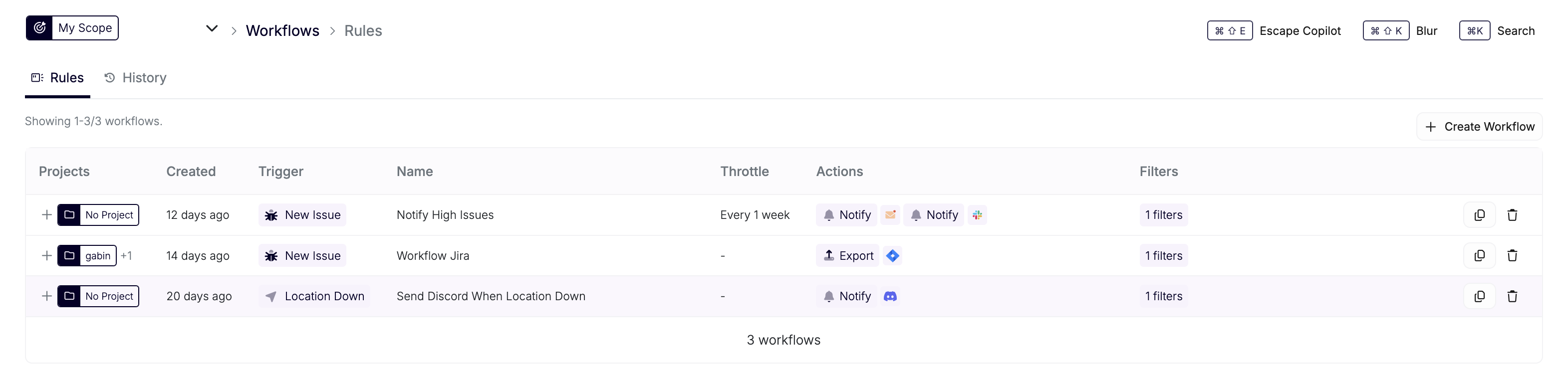
View all workflows in Workflows → Rules. From here you can:
- View workflow details and execution history
- Edit existing workflows
- Copy workflows
- Delete workflows
- Pause workflows and resume them using the pause/play control
Each workflow keeps its original trigger. To use a different trigger, create a new workflow.
Execution History
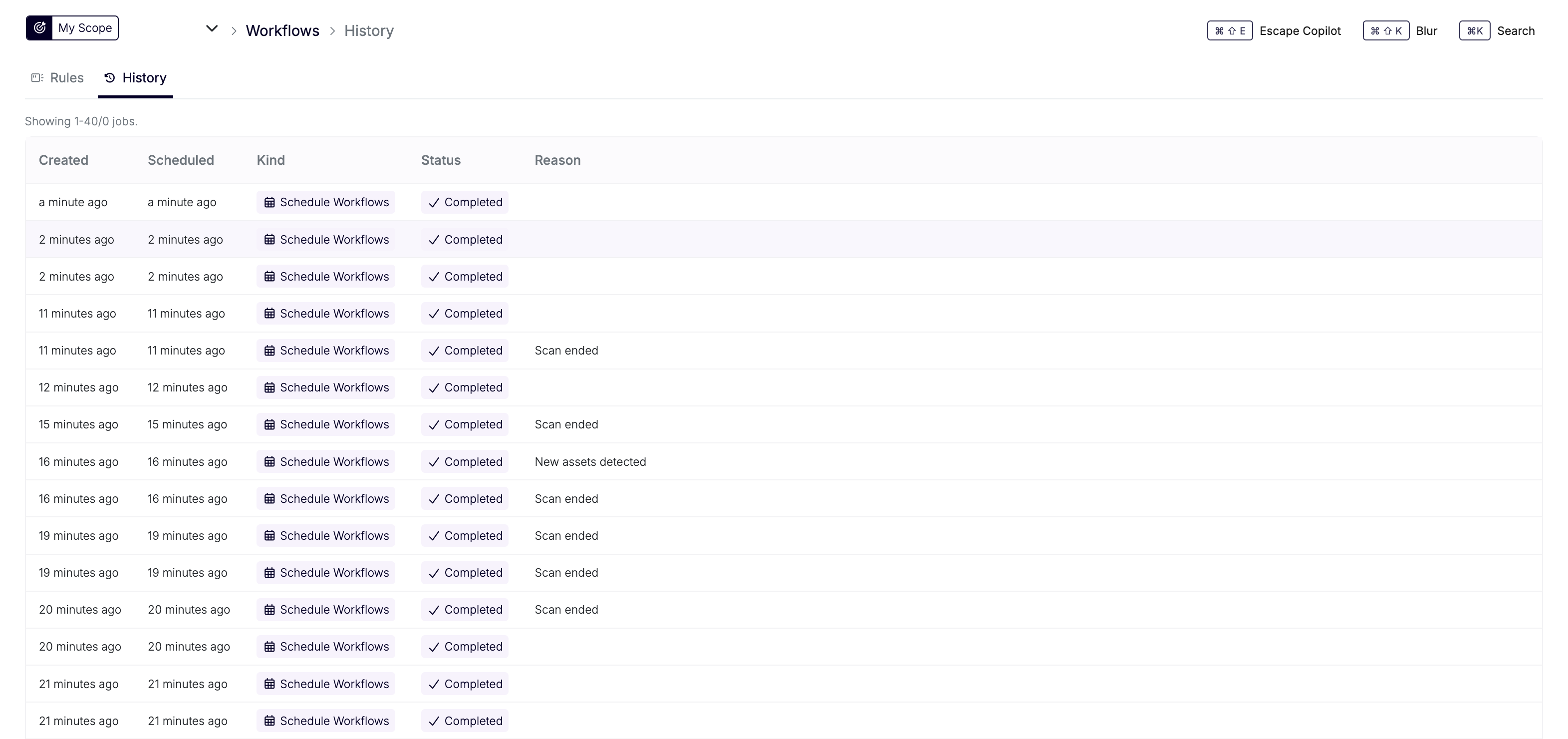
Track workflow execution in Workflows → History. This shows:
- When workflows were triggered
- Which conditions matched
- Which actions were executed
- Success or failure status