Workflow Throttling
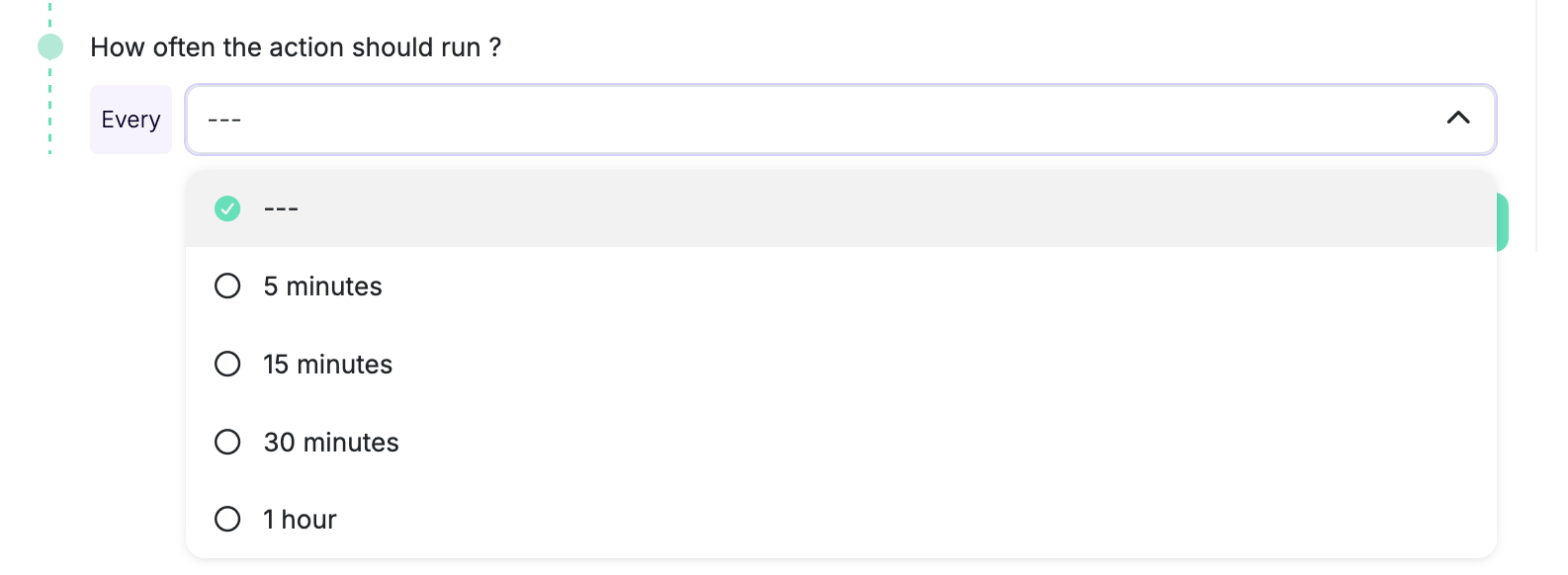
Throttle actions to prevent overwhelming your systems or team. When throttled, multiple workflow triggers within a time period are batched together and the action runs with the queued resources. A batch can still make many external API calls, such as one operation per ticket or attachment.
How Throttling Works
For example, if you set a throttle of 1 hour and 10 issues trigger the workflow within that hour, the action runs once with all 10 issues batched together.
The window starts when the first event is queued. Later events merge into that batch without postponing its execution.
Available presets are 5, 15, and 30 minutes; 1, 2, 4, and 8 hours; 1 and 2 days; and 1 week. Manual workflows don’t support throttling.
Use Cases
Throttling is useful when:
- You want to batch notifications instead of sending individual messages for each event
- You want to group exports to external systems
- You want to reduce noise from frequent events