#142 · Improved Identification of Escape DAST Traffic
Escape DAST now makes it simpler to identify and securely whitelist scan traffic in your WAF.
To ensure your application remains accessible to Escape scans, you now have three supported options:
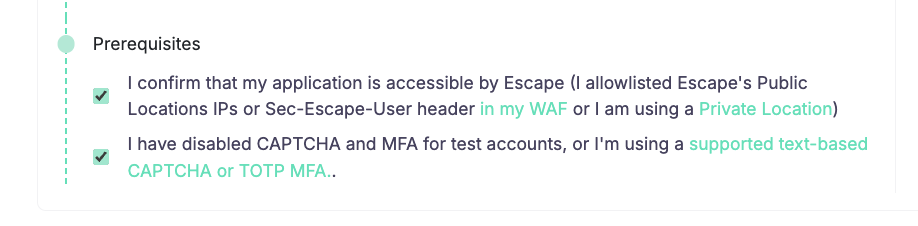
-
Whitelist Escape Public Locations IPs
-
Use a Private Location
-
Whitelist the
Sec-Escape-Userheader in your WAF
Sec-Escape-User Header for Secure WAF Whitelisting
As mentioned, all HTTP traffic generated by Escape DAST now automatically includes the Sec-Escape-User header.
This header identifies the Escape user who initiated the scan, making it easier to recognize legitimate DAST traffic in logs and WAF rules.
To configure custom HTTP headers and include a shared secret following the example configuration below:
Full documentation is available here.
For backward compatibility:
- The
x-escape-userheader is still sent in API traffic and iin Web App DAST only if it was previously enabled
More details are available in the DAST configuration documentation.
⚠️ Security reminder: This can be used to identify HTTP traffic coming from Escape, but make sure to also verify the IP as headers can easily be spoofed by anyone!
With this new configuration:
- Escape continues to send the default
Sec-Escape-Userheader. - A custom header with a secret value is added to every DAST request.
- Your WAF can allow traffic only when both the trusted IP range and secret header are present.
Why it matters
- Fewer blocked scans in WAF-protected environments
- Stronger verification of legitimate DAST traffic
- Simple, flexible setup without weakening security controls
This update gives security teams greater control and confidence when running Escape DAST against production-like environments.